
Ten kinds of gear that make learning from home easier
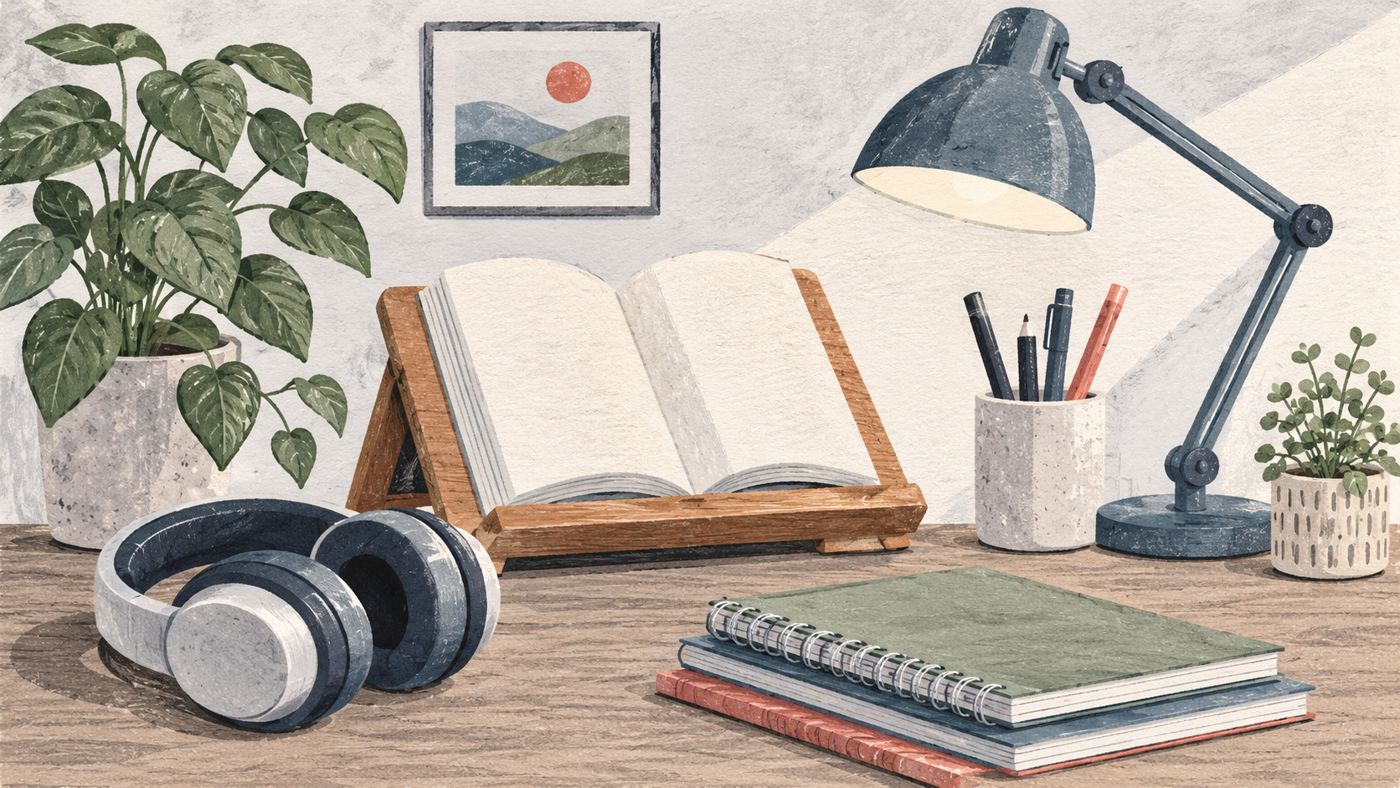
Learning from home runs more smoothly with the right gear, but the right gear rarely means the most expensive gear. This guide covers ten item types worth considering, what to look for in each, and how to test whether your child actually needs them. If you are still setting up your whole approach, start with our guide on how to set your family up for learning from home.
Start by borrowing
Before you spend anything, ask around. Grandparents, neighbours, other families at kindy or school, and local buy-nothing groups often have gear sitting unused. A borrowed item for a fortnight tells you far more than any product description: whether your child will actually use it, whether it suits your space, and whether it survives your household. This page is general information, not medical advice, and any health concerns are worth raising with your GP or child health nurse.
A desk or dedicated surface
Every child learning from home needs somewhere consistent to work. Look for a surface at roughly elbow height when seated, with enough room for a device, a book and an elbow to spread. A folding table works if space is tight, and a lap tray on the couch can do the job for younger kids, though a proper surface helps posture and keeps learning materials from drifting all over the house.
An adjustable chair
The chair matters as much as the desk. Look for something your child can sit in with feet flat on the floor or on a footrest, and adjust as they grow. A cushion can lift a small child to the right height on an ordinary kitchen chair. Dads, carers and solo parents sharing the workspace with a child can also benefit from a second seat nearby for sitting alongside during tricky lessons.
Headphones
Headphones cut distraction for the child wearing them and for everyone else in the house, which matters enormously when a parent is working in the next room or a toddler is napping. Look for a comfortable fit, a volume limit, and a microphone if your child joins live lessons where the teacher needs to hear them clearly. Test the fit before committing, as small ears and big headphones are a poor match.
A second screen or monitor
For older children doing most of their learning on a laptop, a separate monitor can make a genuine difference to comfort. As a general screen setup tip, position the screen so the top sits just below eye level, and adjust contrast, brightness and text size to suit, as this helps prevent eye strain1.
A keyboard and mouse
If your child works on a tablet, an external keyboard and mouse can speed up writing tasks and reduce hunched posture. Look for a full-size keyboard if your child is learning to touch type, and a mouse that fits their hand. Both are common items to borrow first.
Good lighting
A lamp beside the desk reduces glare on the screen and makes reading on paper more comfortable. Look for adjustable brightness and a position that lights the work without shining into your child's eyes or reflecting off the screen.
Storage for gear and papers
A box, trolley or set of drawers that lives near the learning spot keeps pencils, chargers and worksheets from spreading through the house. Look for something your child can reach and manage themselves, so packing up becomes their job, not yours.
A timer or visible clock
Timers help break work into chunks and mark break times, which is especially useful for children who struggle to stop or start. Parents are advised to build a family plan with their child covering screen use, including rules such as which websites and games are allowed, as children respond better to rules they helped create2. A timer makes those agreed rules concrete. eSafety also suggests a warning, such as a 15-minutes-to-switch-off signal, to ease the transition off screens2.
A device stand
A simple stand lifts a tablet or phone off the desk, which helps with viewing angle and video calls. Look for one that holds the device steady at a height where your child is not looking down for long periods.
A dedicated charging spot
eSafety suggests household rules such as charging devices overnight somewhere the child cannot access, and screens off at least one hour before bedtime2. A single basket or shelf for chargers makes this easier to enforce and stops morning hunts for a flat device. While you are setting house rules, remember that from 10 December 2025, platforms including TikTok, Instagram and YouTube are required to take reasonable steps to stop Australians under 16 having accounts2, so a family chat about which apps are allowed is worth having early.
Watching eyes and bodies
Long stretches at a screen tire young eyes. healthdirect recommends the 20/20/20 approach: every 20 minutes, look at something 20 feet away for 20 seconds, and an alarm can help remind you1. Children should also spend time outside regularly and relax their eye muscles by looking at something far away1. If eye strain symptoms do not improve after resting, or if they get worse, see a doctor or optometrist1.
For keeping the whole household calm during home learning, our page on wellbeing picks for a calmer home has further ideas, and if you are feeding a little one at the same time as supervising schoolwork, our tips on ways to make breastfeeding easier may help you manage both at once.
Sources
- healthdirect, healthdirect
- Screen time, eSafety Commissioner
We wrote this page from the public sources listed above, checked on 26 November 2026. Check the source for current advice.